(0)
Pludo STEM Kit Gyro Transmitter – Learns Inertia, Balance & Motion for Kids 11–14 | Grade 6–8 DIY Science Kit
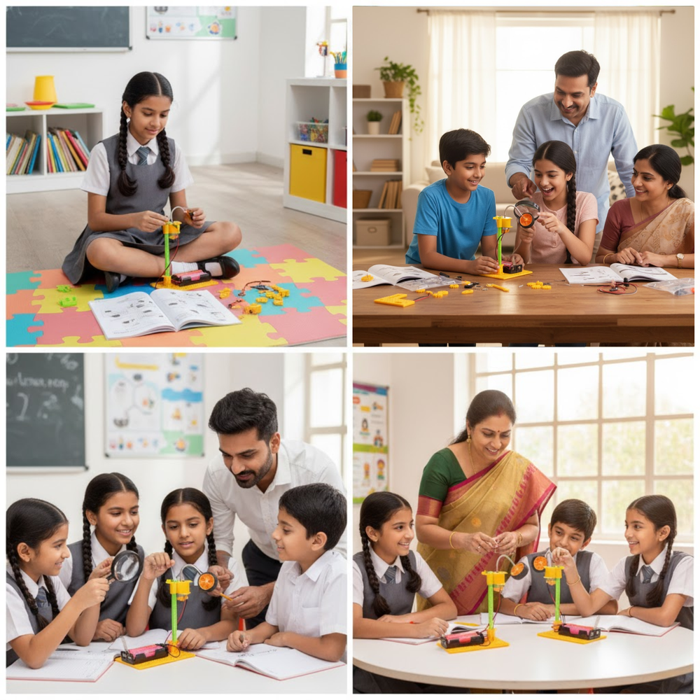
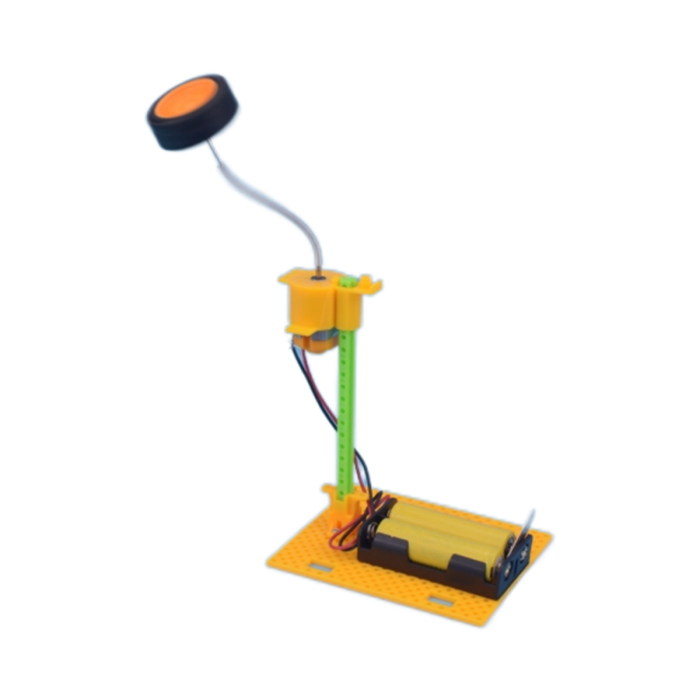
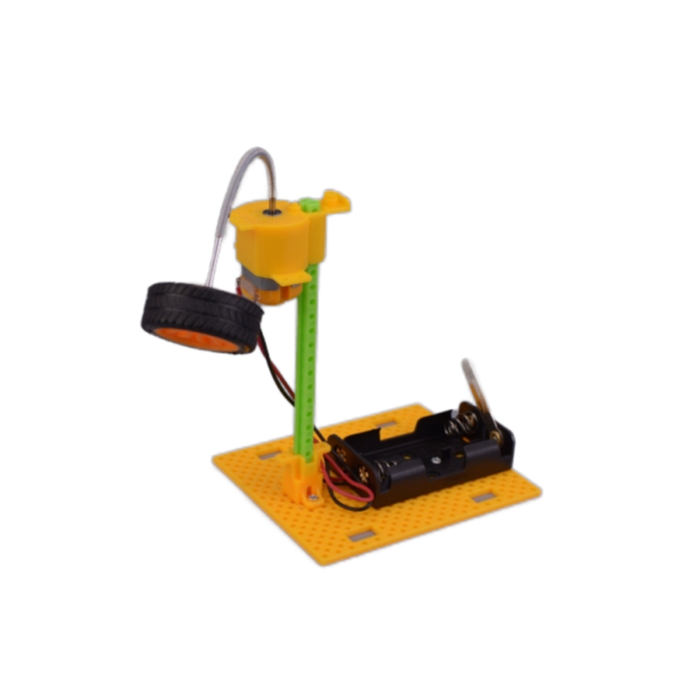
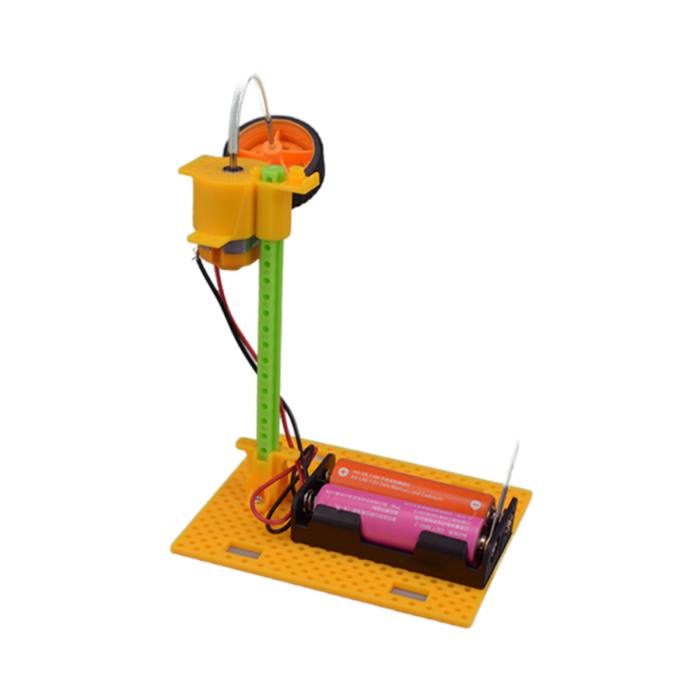
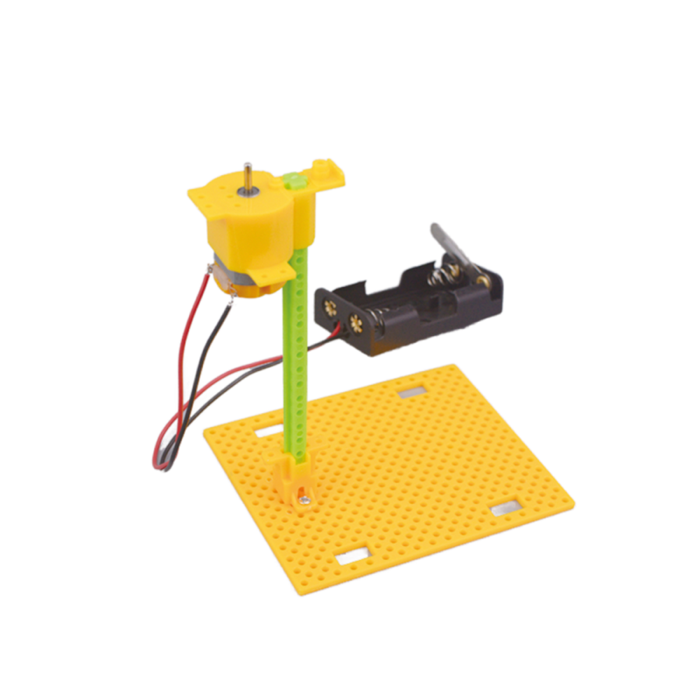
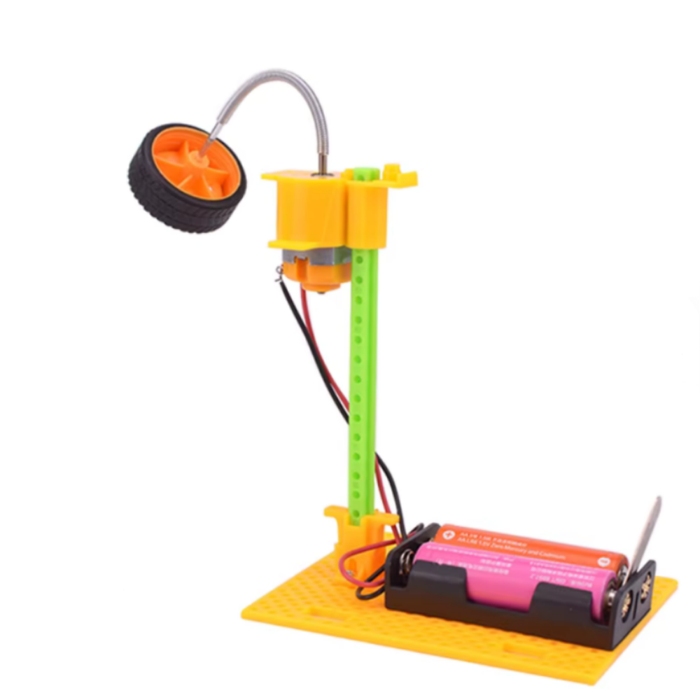
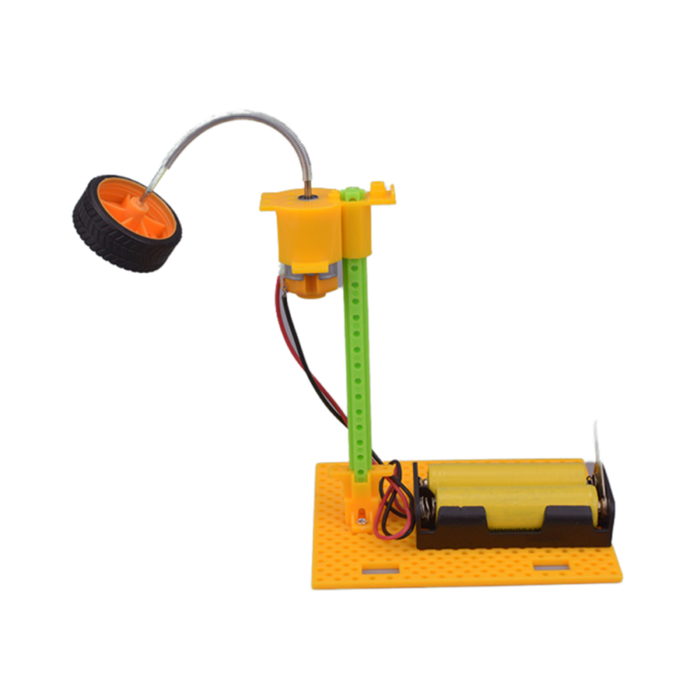
Dive into the world of motion and balance with the Pludo STEM Kit Gyro Transmitter, a fascinating science kit designed to make physics fun and hands-on. This interactive activity lets children explore the principles of inertia, motion, and gyroscopic balance by building their own gyro transmitter model.
As students assemble and test the model, they learn that inertia is the tendency of an object to keep doing what it is already doing unless acted upon by an external force. When the gyro spins at high speed, it becomes stable and resists changes in direction. This spinning motion allows the gyro to stay upright and steady even when the transmitter is moved, clearly demonstrating how inertia helps spinning objects maintain balance and direction—a principle used in vehicles, navigation systems, and engineering applications.
Blending creativity and experimentation, this science experiment kit helps students visualize how inertia affects movement and stability in real-world applications like vehicles and engineering systems.
As part of Pludo’s advanced STEM kits, it provides an engaging, age-appropriate experience that bridges classroom concepts with practical understanding, making science both exciting and meaningful for young innovators.
What Your Child Will Learn
Learn how inertia keeps rotating objects stable even when forces act on them.
Understand the principles of gyroscopic motion and how rotation affects balance and direction.
Strengthen logical thinking, creativity, and problem-solving skills while building and testing the model.
Observe real-world physics concepts in action, connecting theory to practical examples.
Gain confidence by completing a functional project inspired by aerospace, robotics, and transportation systems.
Educational Outcomes
Inertia & Motion:
Discover how objects resist changes in movement — a key concept in physics and engineering.
Gyroscopic Balance:
Learn how rotating systems maintain stability, used in everything from bicycles to spacecraft.
Advanced STEM Skills:
Develop analytical thinking, experimental reasoning, and hands-on engineering understanding.
Real-World Applications:
Connect classroom learning to robotics, drones, navigation systems, and automotive technology.
Scientific Exploration:
Encourage curiosity and deeper scientific thinking through guided experimentation.
💡 Did You Know?
Gyroscopes are used in airplanes, spacecraft, and even smartphones to help them stay balanced and oriented — the same principle your child experiments with in this kit!
Features
Hands-on DIY science experiment kit exploring inertia, motion, and gyroscopic balance through a gyro transmitter activity.
Encourages creativity, logical thinking, and problem-solving as kids build and test rotational stability.
Made from durable, safe, high-quality materials for a reliable and enjoyable learning experience.
Designed for ages 11–14 (Grade 6–8) with an age-appropriate introduction to advanced physics concepts.
Promotes real-world understanding of inertia used in vehicles, robotics, aerospace systems, and navigation tools.
Perfect for classroom demonstrations, science fairs, or home experiments, making physics interactive and exciting.
Includes all necessary materials and a step-by-step instruction manual for guided assembly and exploration.
Makes an excellent educational gift for birthdays, holidays, or STEM enthusiasts — inspiring curiosity and advanced scientific thinking.
₹441.23
Backorder Available
In Store Pickup
Same Day Shipping
₹1118.60
Incl. GST (No Hidden Charges)