(0)
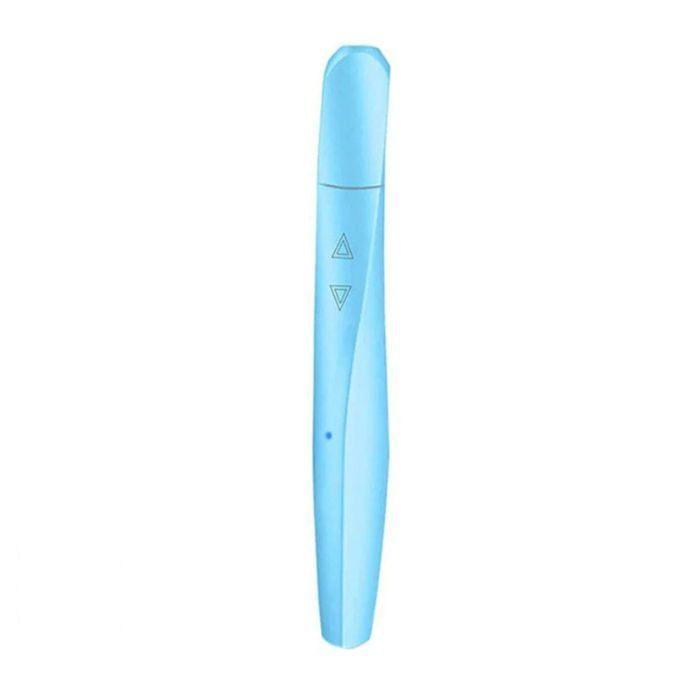
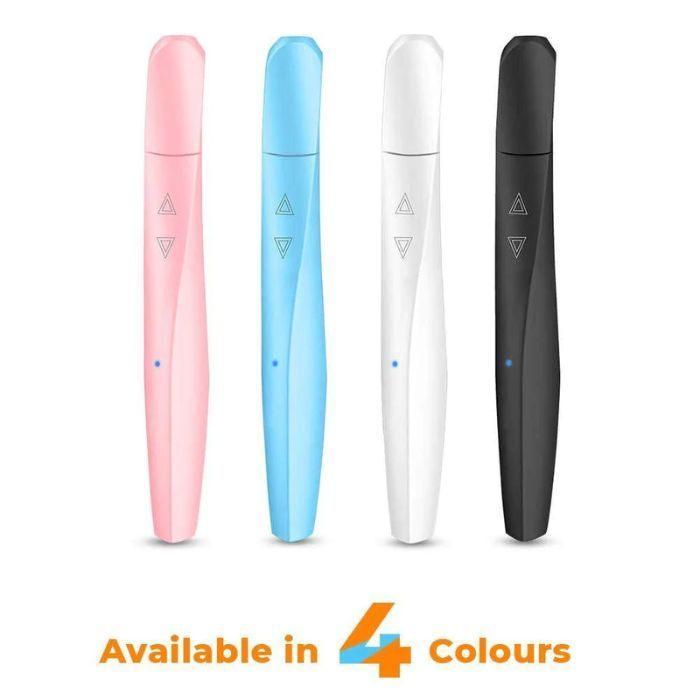
3D Printing Pen with Filament, Adapter and Manual
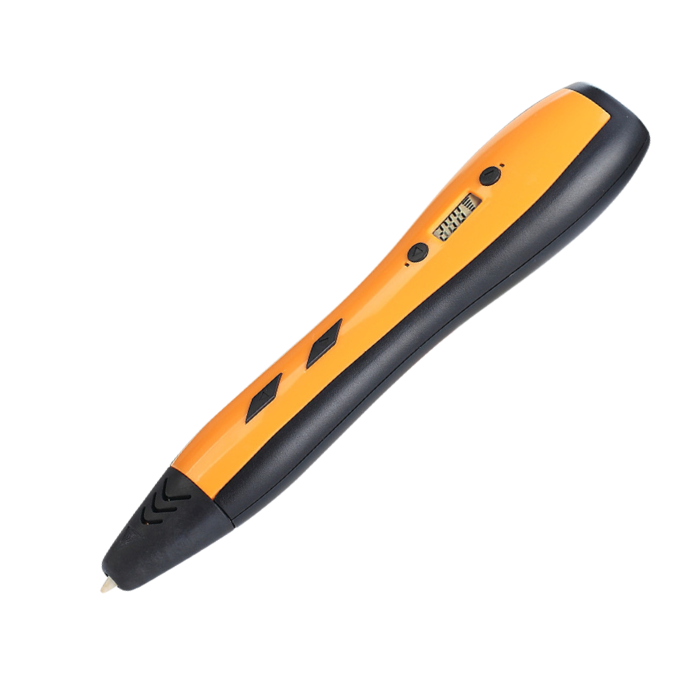
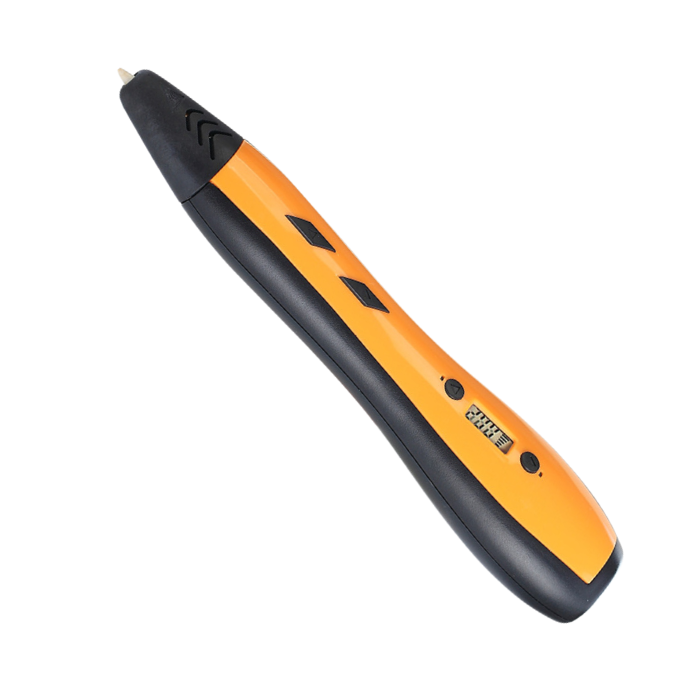
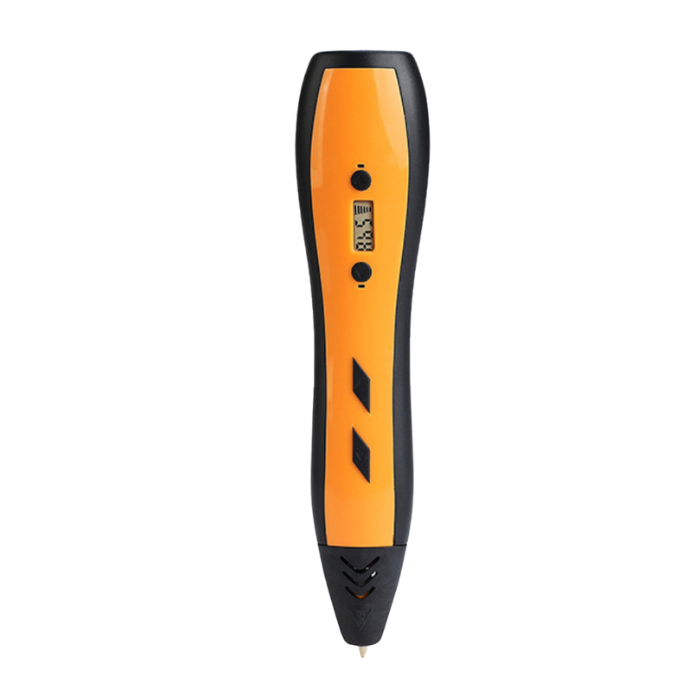
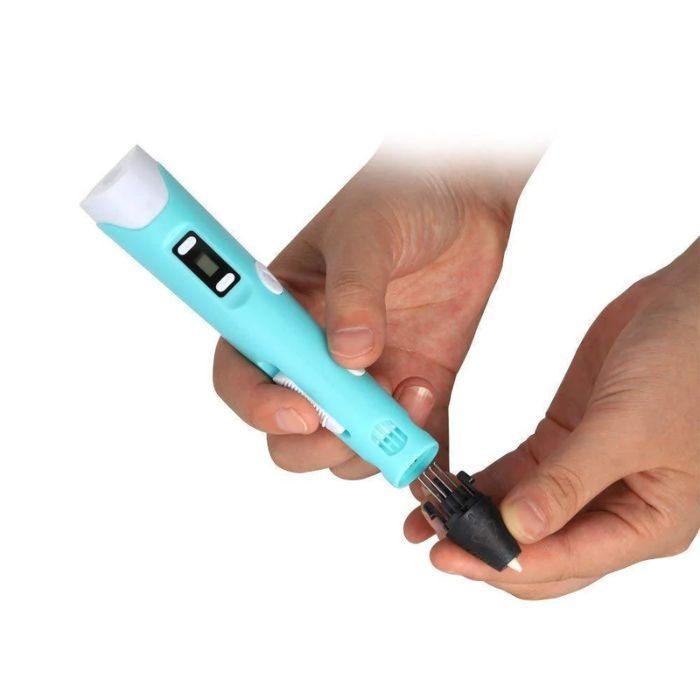
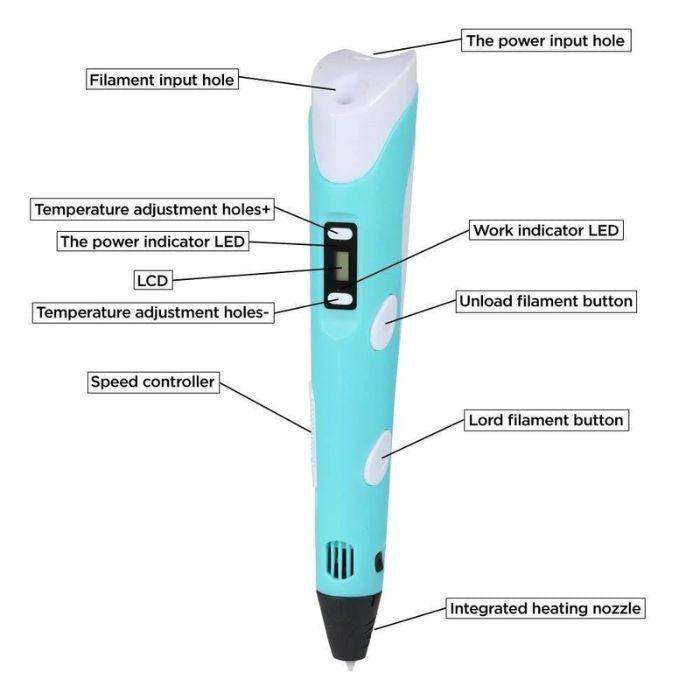
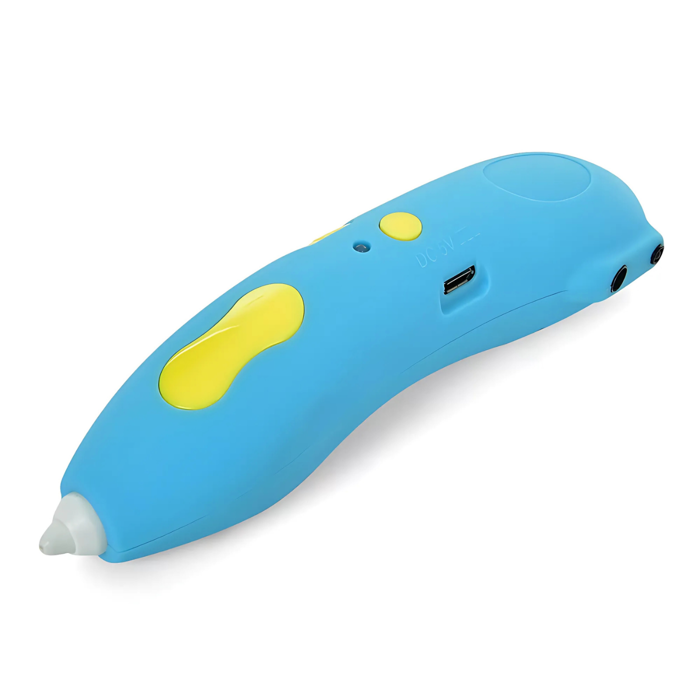
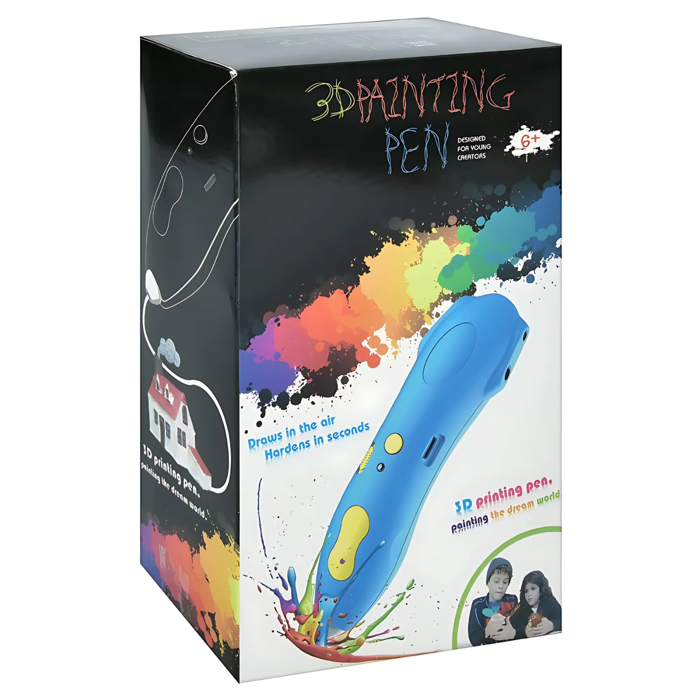
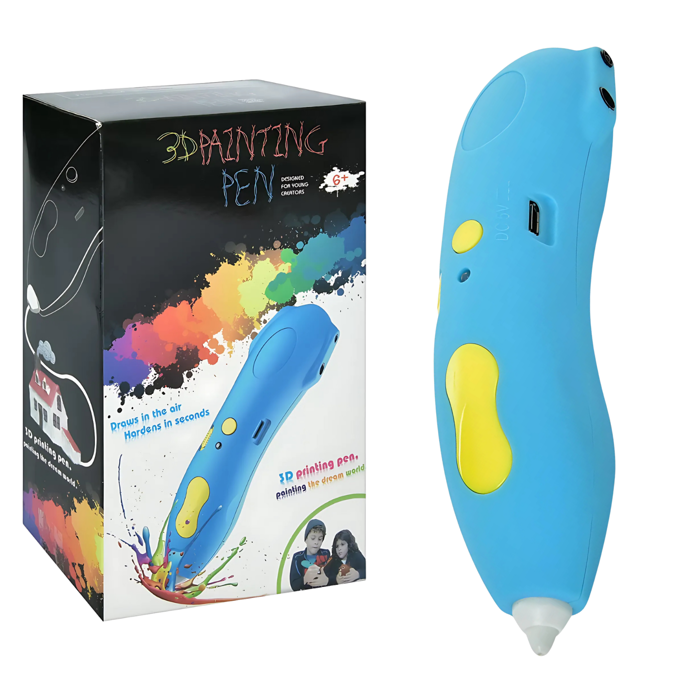
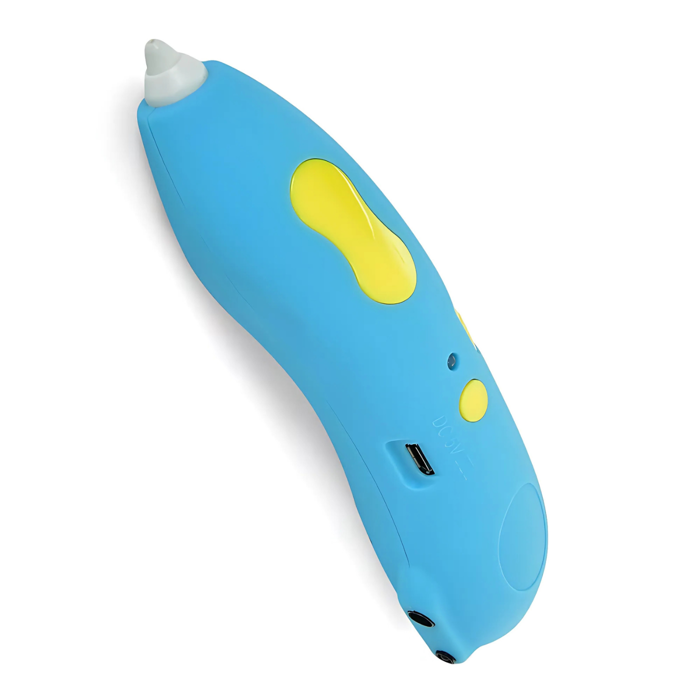
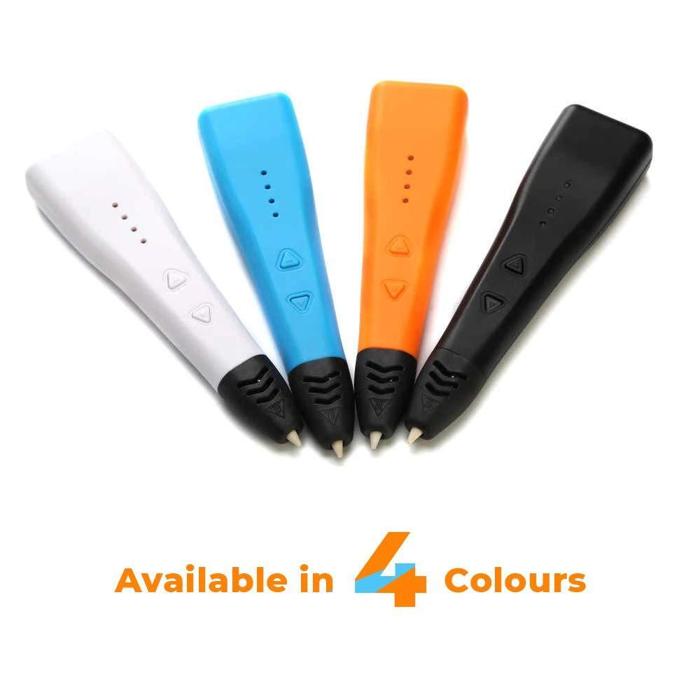
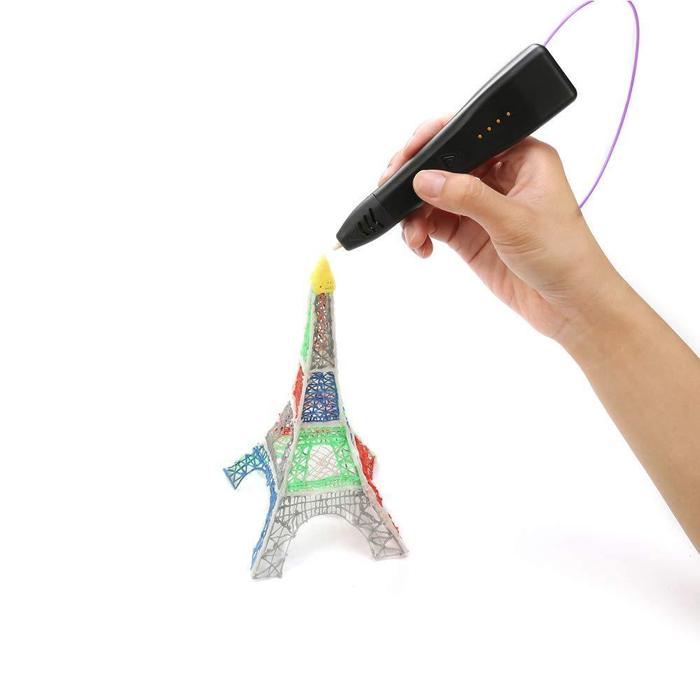
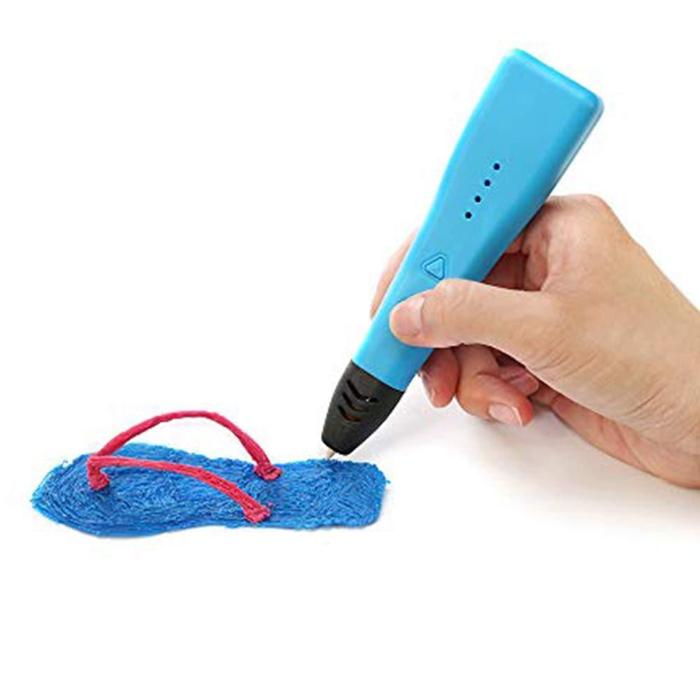
This 3D printing pen for professionals comes with filament, adapter and manual is manufactured with non-toxic materials that make them very kid-friendly. It is best suited for children, architects, artists, and anyone with an interest in 3D printing with a 3D pen. The ease of use and flexibility of the 3D printing pen will push your imagination to the very edge. The 3D pen will open a world full of imagination and possibilities. It features easy access to filament control. You can also control the speed to improve the doodling experience.
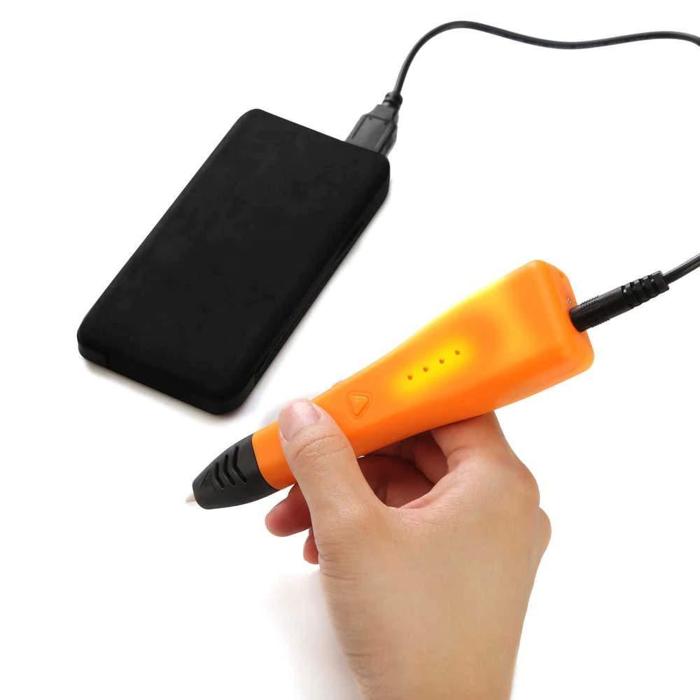
The 3D pen can be set up very quickly in just 30 seconds. It adapts to the second-generation safety features and will automatically shut down when not in use for more than 5 minutes. This will help users to save the current used in 3D pens. The 3D Printing Pen is compatible with both 1.75mm ABS & PLA Filament. We recommend using 1.75mm PLA filament, which is a more eco-friendly option. we can use
mini electric drill set
to smooth the 3d printing pen model, it also comes in handy for assisting the
3d printer
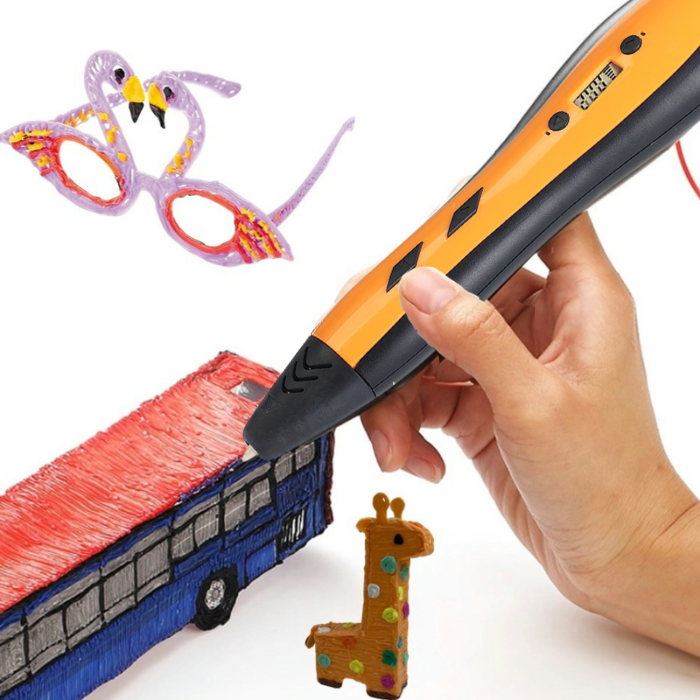
This works as a hand-held version of a desktop 3d printer. The features of this allow you to draw any 3D shape possible. You are limited by your own level of imagination. It is perfect for beginners and professionals. The best part with this is it comes with
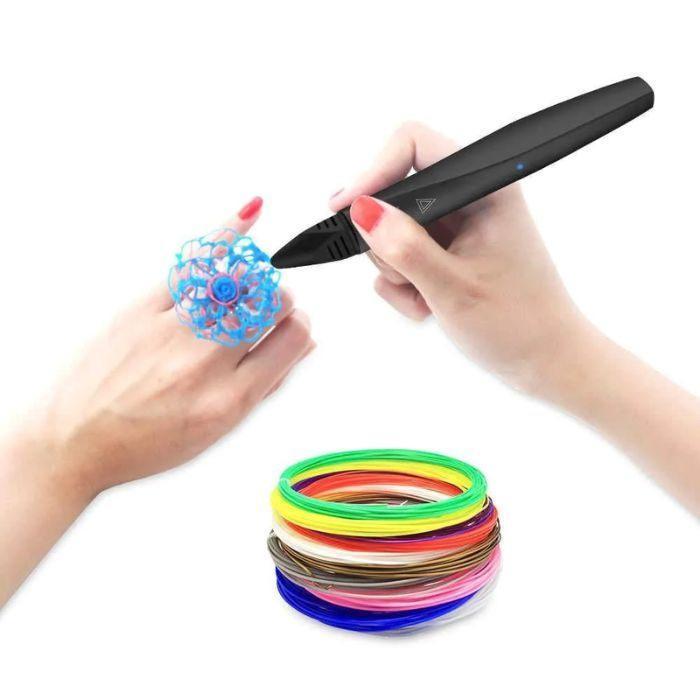
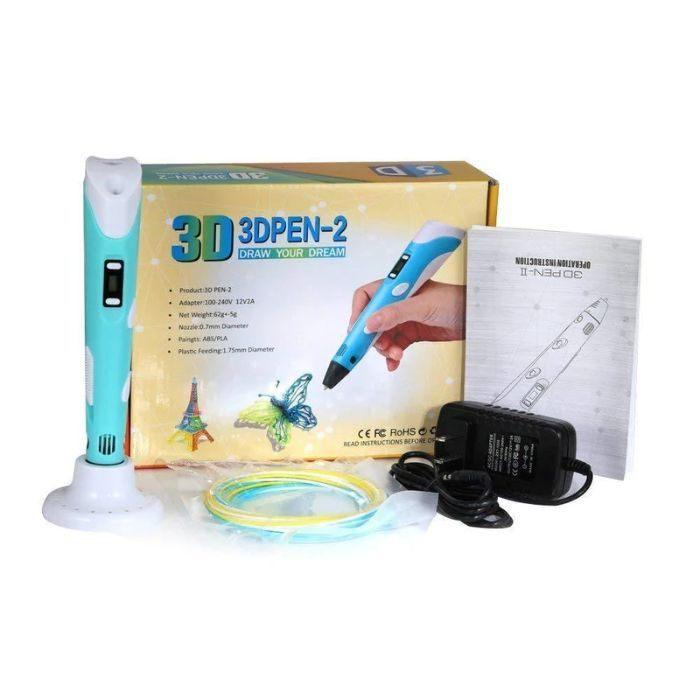
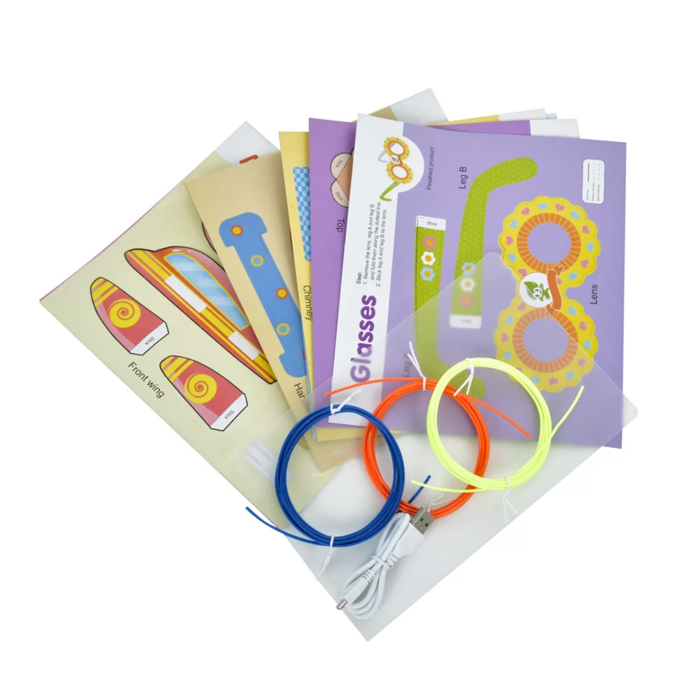
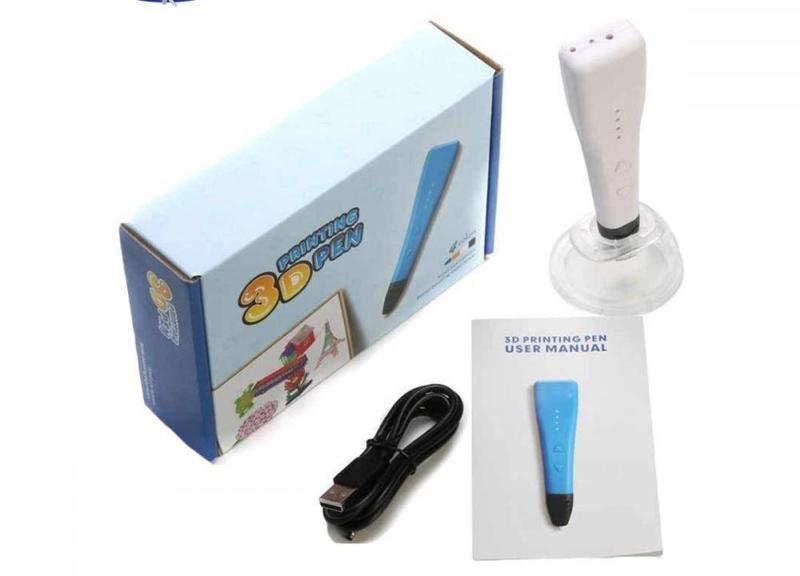
3d pen filament, Adapter and Manual.
Working:
The 3D pen works on the principle of extrusion. The plastic filament is fed to the heating chamber, the molten plastic is pushed out through the extruder nozzle. The heating is done with the help of electrical power. When you draw with the 3D pen it extrudes heated plastic which instantly hardens into a solid structure. Therefore, this feature allows you to draw any 3D shape possible.
Filaments used in 3D printing Pen are polylactic acid (PLA) acrylonitrile butadiene styrene (ABS), polylactic acid (PLA), thermal polyurethane (“TPU”), that when heated turns into liquid instead of burning which makes it reusable and easy for modeling purposes. You can also adjust the speed of the plastic coming out of the tip for drawing and filling purposes.
Safety Precautions:
Recommended to supervision the kids while working with 3D Pen
Insert the filament only once the 3D Pen is heated to its said temperature
Do not touch the nozzle of the 3D Pen with bare hands
Pause and pull the pen when completing one filament structure so that the filament doesn’t sag down as soon it loses contact with the pen and breaks the structure.
Avoid pushing out too much filament making note of the speed of hand movement as well as the timing of pressing the button releasing the filament.
Ensure the filament is not kept in the mouth, recommended to supervision the kids while they are working with 3D Pen
Applications:
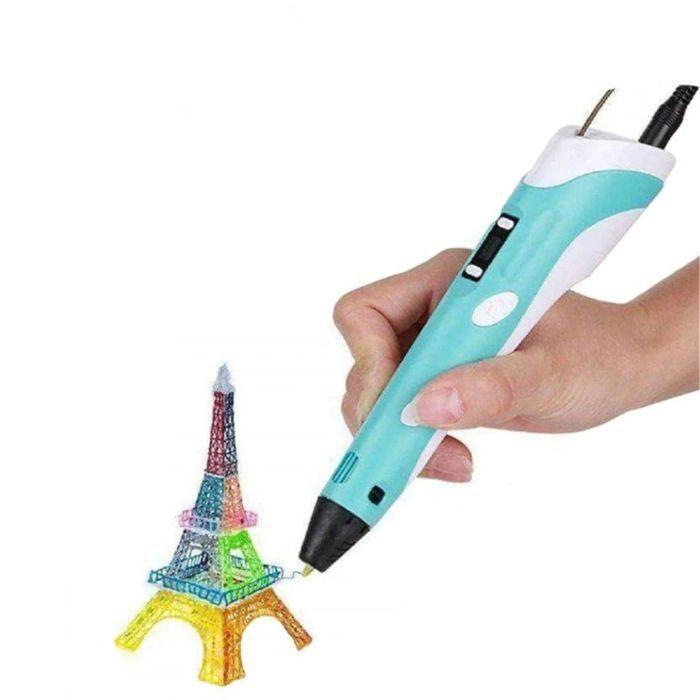
Make various 3D designs on paper or on top of any other shape, you can even draw freehand in the air
Help artists make better art pieces
Repair broken prints (3d Pens can “weld” plastics together)
Create 3D prototypes of products
Doodling
Smart classroom to enhance learning
₹928.02
Backorder Available
₹1608.60
Incl. GST (No Hidden Charges)